
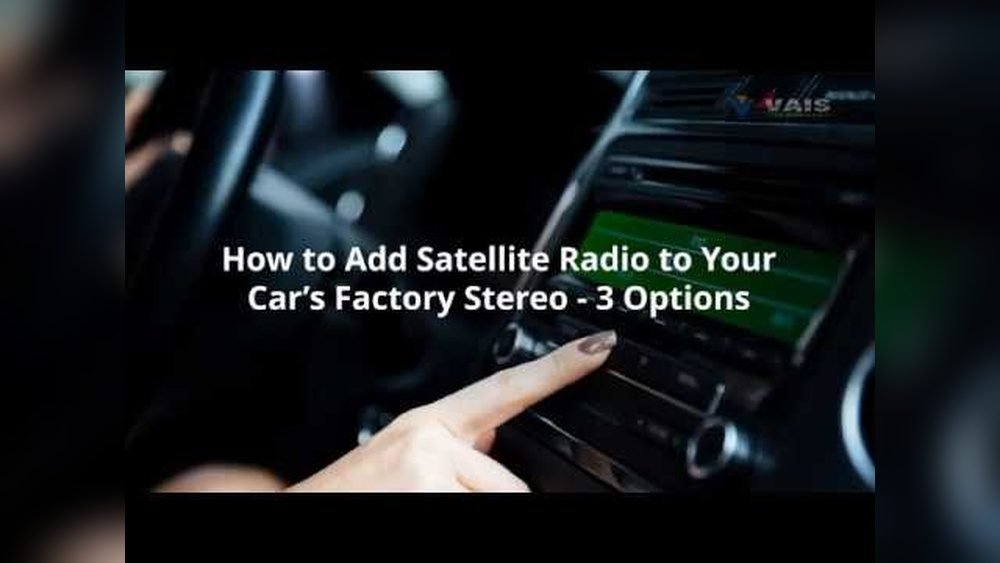
Tired of the same old radio stations playing on repeat? Imagine having hundreds of channels at your fingertips, all crystal clear and packed with music, news, and shows you actually want to hear.
Setting your car radio to satellite can unlock this world for you—no more static, no more limits. If you’ve ever felt stuck with basic FM or AM stations, this guide will walk you through every simple step to get your car’s satellite radio up and running.
By the end, you’ll wonder how you ever drove without it. Ready to transform your drive? Let’s dive in.
Prepare Your Vehicle
Preparing your vehicle is the first step to enjoy satellite radio. This ensures a smooth setup and better listening experience. Follow these simple steps to get your car ready.
Check Radio Compatibility
Not all car radios support satellite signals. Check your radio manual or model online. Find out if it can connect to satellite radio services. Some older models need an upgrade or adapter.
Locate Satellite Radio Receiver
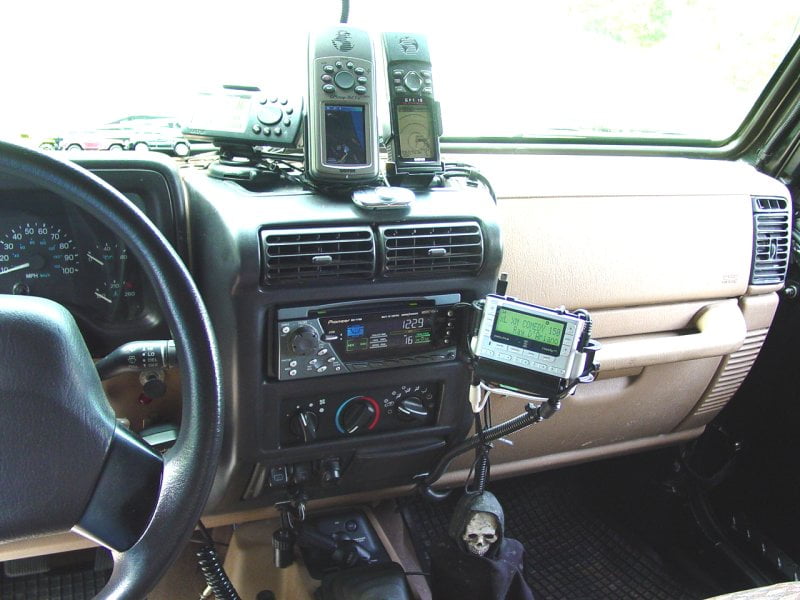
Most satellite radios use a special receiver inside the car. This device captures the satellite signals. Look under the dashboard or near the antenna. Knowing its location helps with setup and troubleshooting.
Ensure Subscription Activation
Satellite radio needs an active subscription. Visit the provider’s website or call their service line. Provide your radio ID and activate your plan. Without activation, the radio won’t play satellite stations.
Power On And Access Radio Menu
Starting your car radio and accessing the menu is the first step to enjoy satellite radio. This process allows you to switch from regular FM/AM to satellite mode. Follow simple steps to power on and find the right settings quickly.
Turn On The Car Radio
Locate the power button on your car radio. It is usually marked with a power icon or labeled “PWR.” Press the button once to turn on the radio. Wait a few seconds for the system to boot up. The display should light up, showing the current station or mode.
If the radio does not turn on, check the car’s ignition. Some radios only power on when the car is running or in accessory mode.
Navigate To Source Or Mode Settings
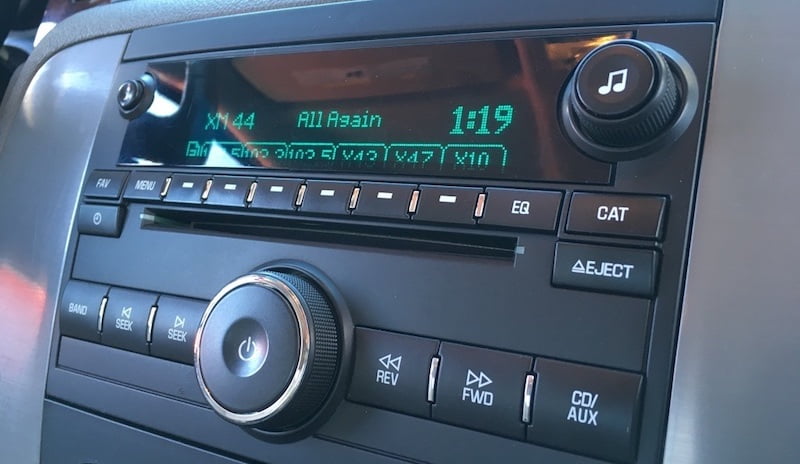
Look for a button labeled “Source,” “Mode,” or “Band.” This button lets you change the radio input. Press it repeatedly to cycle through FM, AM, CD, AUX, and satellite options.
Once the display shows “SAT” or “Satellite,” stop pressing. This means the radio is ready to receive satellite signals. Use the menu or tune buttons to browse satellite channels.
Select Satellite Radio Mode
Selecting the satellite radio mode is the first step to enjoy satellite radio in your car. This mode allows your car radio to switch from regular FM/AM to satellite channels. It makes the satellite radio ready to receive all the unique stations it offers.
The process is simple and does not take much time. Follow the steps below to set your car radio to satellite mode correctly.
Choose Satellite As Audio Source
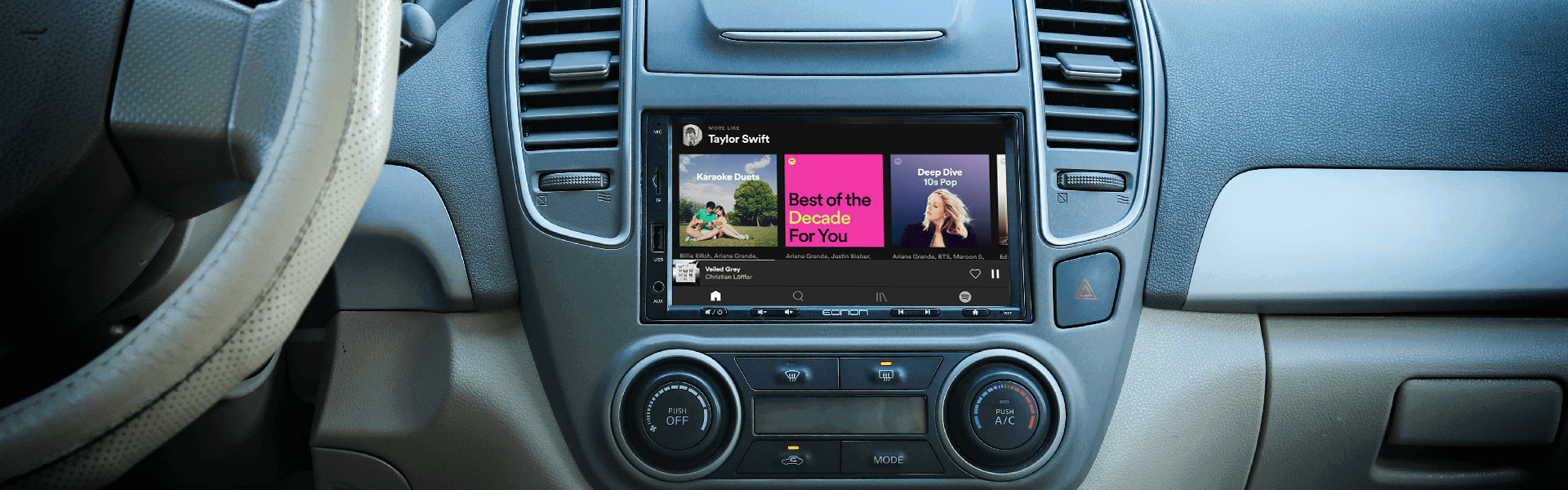
Turn on your car radio. Find the source or mode button on the radio panel. Press it until you see “SAT” or “Satellite” on the display. This action switches the audio input from regular radio to satellite radio. Now, your radio is ready to access satellite stations.
If you do not see the satellite option, check your car manual. Some models may need extra steps or a satellite radio receiver installed.
Input Subscription Details If Needed
Satellite radio usually needs a subscription. If your radio asks for subscription details, get your account info ready. Enter your subscription ID or activation code using the radio’s keypad or touchscreen. This step connects your radio to the satellite service.
Follow the prompts on the screen carefully. After entering the details, the radio will verify your subscription. Once confirmed, satellite channels will become available to listen to.
Credit: www.eonon.com
Tune To Satellite Channels
Tuning your car radio to satellite channels opens a world of entertainment. Satellite radio offers many stations with music, news, sports, and talk shows. The sound quality is clear, and there are no ads on most channels. This guide helps you find and enjoy satellite channels easily.
Browse Available Channels
Start by turning on your satellite radio. Use the menu or tuning knob to see the channel list. Channels are sorted by genre, such as pop, rock, or news. Scroll through the list to explore what’s available. Each station shows its name and number. Try different channels to find what you like best.
Save Favorite Stations
Found a station you like? Save it for quick access later. Press the preset button or hold the number key to save the channel. Your favorite stations stay stored in the radio’s memory. This saves time and lets you switch stations easily. You can save many favorites for different moods and trips.
Troubleshoot Common Issues
Setting your car radio to satellite can sometimes bring small issues. These problems often stop your radio from working well. Fixing these issues is easy with the right steps. This guide helps you solve common problems fast. You get your music and shows back without stress.
Fix Signal Problems
Satellite radio needs a clear signal to work. Trees, tunnels, or tall buildings block signals. Park your car in an open area. Move away from tall objects. Check your antenna for damage or dirt. Clean or replace it if needed. Signal boosts help in weak areas. Try turning the radio off and on again. This can reset the connection and clear signal glitches.
Reset Radio Settings
Resetting your radio can clear many errors. Look for the reset button on your radio. Hold it for a few seconds. This will return settings to default. You lose saved stations but fix errors. After reset, set up your satellite radio again. Follow the instructions in your car manual. This often fixes software bugs and freezes. Resetting is a quick way to refresh your radio’s system.
Credit: vaistech.com
Enhance Sound Quality
Enhancing sound quality makes your satellite radio experience much better. Clear and rich audio lets you enjoy music and talk shows fully. Simple steps can improve what you hear from your car radio. Adjusting settings and adding equipment helps create the best sound. These tips work for all car models and radio brands.
Adjust Audio Settings
Start by checking your car radio’s audio settings. Find the bass, treble, balance, and fade controls. Increase or decrease bass for deeper sounds. Raise treble for clearer highs. Balance controls move sound between left and right speakers. Fade controls shift sound between front and back speakers. Make small changes and listen carefully. Stop when the sound feels right and natural.
Use External Speakers Or Amplifiers
External speakers can boost your car’s audio power. They often deliver louder and clearer sound than factory speakers. Choose speakers that fit your car’s size and style. Amplifiers increase sound strength without distortion. They make music sound fuller and more dynamic. Installing these parts may need professional help. The result is a richer and more enjoyable listening experience.
Credit: vaistech.com

- 【Gifts for Mom to Show Your Love】- This birthday gifts for mom acrylic sign engraved with an classic saying to mom, will…
- 【High-quality Material】- Our mom birthday gifts are made of high-quality acrylic, which is smooth in surface, sturdy and…
- 【Proper Size & Warm Decoration】- The birthday gifts for mom measures 3.9×3.9×0.6inch, it can stand by itself, doesn’t ne…
Frequently Asked Questions
How Do I Activate Satellite Radio In My Car?
To activate satellite radio, first subscribe to a satellite radio service. Then, tune your car radio to the satellite band and enter the activation code provided by your service.
Can I Use Satellite Radio Without A Subscription?
No, satellite radio requires an active subscription. Some services offer free trial periods, but continued access needs payment.
How Do I Find Satellite Radio Channels On My Car Radio?
Switch your car radio to the satellite mode. Use the seek or scan button to browse available satellite channels.
What Equipment Is Needed For Satellite Radio In Cars?
You need a satellite radio receiver and an active subscription. Some cars come pre-equipped; others require an external receiver.
Conclusion
Setting your car radio to satellite is simple and quick. Follow the steps carefully to enjoy clear, wide-range channels. Remember to check your subscription status before tuning in. Adjust settings to fit your listening preferences anytime. Satellite radio offers many choices beyond regular stations.
Stay safe and keep your focus on driving while adjusting. Enjoy your journey with fresh music, news, and talk shows. This small change can make long drives more fun and relaxing. Give it a try and feel the difference today!

- Hear SiriusXM through your existing vehicle stereo with easy, do-it-yourself installation. Includes PowerConnect Vehicle…
- Easy-to-read blue display allows you to view artist name, song or program title and channel information at the same time…
- Browse what’s playing on other channels while listening to the current one, Store up to 10 of your favorite channels for…

- 【360 Rotation 4K Dash Cam】 4K front dash cam for ultra-clear recording. Antika Car Audio Receivers has a wide-angle lens…
- 【IP65 Rear Camera &1080P Reversing Camera】1080P waterproof reversing camera for better visibility when parking. The rear…
- 【Real-Time Navigation】Antika wireless Carplay screen supports Carplayfor Apple cellphone and Android Auto for Android.Se…

- 240+ Business friendly channels
- Specialty curated channels exclusive for Business
- Create Pandora stations based your favorite artists
Recent Posts
Durable Jeep Wrangler American Flag License Plate Frame for Patriotic Drivers
Have you ever felt frustrated by a plain, worn-out license plate frame on your Jeep Wrangler? It’s a small detail, but it can really affect your vehicle’s look.Every time you see that dull...
Slim Design Audi Black License Plate Frame for Sleek Car Styling
Have you ever struggled with a bulky, noisy license plate frame that just doesn’t fit right? It can be so frustrating when your car’s style feels off or the frame rattles every time you...