
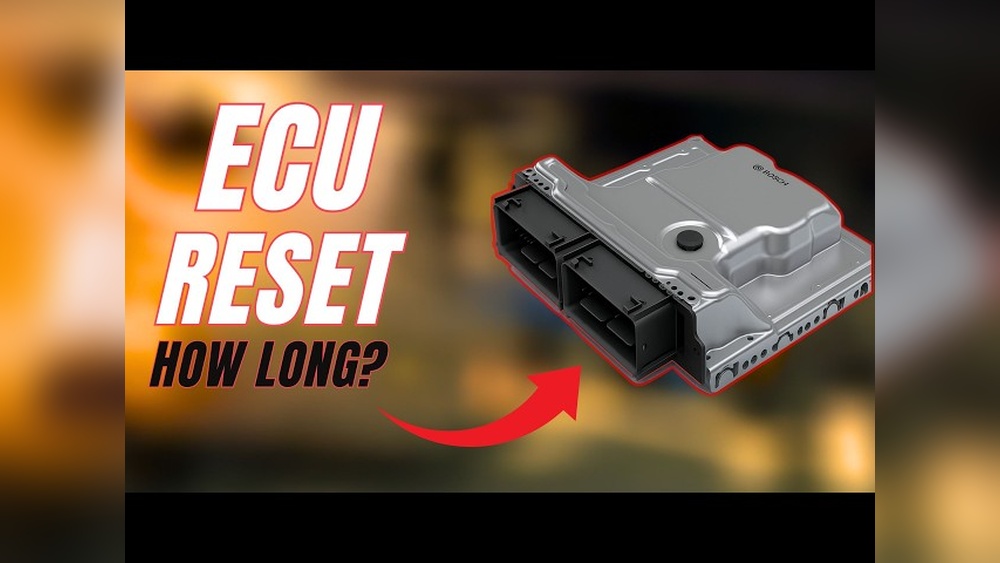
Have you ever wondered how long you need to leave your car’s battery disconnected to reset its computer? Maybe your dashboard lights are acting up, or your vehicle isn’t running quite right.
Resetting the car computer can often clear glitches and bring your car back to normal. But if you disconnect the battery for too short or too long, you might not get the results you want—or worse, cause new problems. You’ll discover the exact time you should leave your battery disconnected to reset your car’s computer safely and effectively.
Keep reading to avoid common mistakes and get your car back on track quickly.

Credit: www.youtube.com
Why Reset Car Computer
Resetting your car’s computer can fix small issues and clear error messages. The car computer controls many parts of your vehicle. It stores data about engine performance and sensor readings.
Sometimes, this data gets wrong or stuck. Resetting helps clear old data and refresh the system. This can improve how your car runs.
Common Issues Solved By Reset
Resetting the car computer often fixes check engine lights. It can clear sensor errors that cause poor fuel economy. Sometimes, it helps with rough idling and stalling. Problems with automatic transmission shifting may also improve. Resetting can fix minor glitches in the electronic control unit.
When To Consider Resetting
Try resetting after replacing parts like sensors or the battery. It helps if the check engine light stays on without reason. Reset when your car acts strange but no clear problem shows. Use it after a repair to clear old error codes. Avoid resetting too often, as it erases important data.
Battery Disconnection Basics
Disconnecting your car battery can reset the car computer. This process clears error codes and can fix minor issues. It is simple but needs care and the right tools. Knowing the basics helps you do it safely and correctly.
Before starting, learn what to do and what to avoid. This helps protect your car and yourself. The next sections explain the key safety steps and the tools you need.
Safety Precautions
Always wear gloves and safety glasses. Car batteries contain acid and can cause harm. Work in a well-ventilated area to avoid breathing harmful gases.
Turn off the car and remove the keys before disconnecting the battery. Avoid touching both battery terminals at the same time. This prevents electric shocks and sparks.
Keep metal objects away from the battery terminals. Sparks can cause fires or explosions. Follow these safety rules to avoid accidents.
Tools Needed
You will need a wrench or socket set to loosen battery terminals. Most car batteries use 10mm or 13mm nuts. Use insulated tools to reduce the risk of shock.
Have a memory saver device if your car needs to keep settings. This device connects to the cigarette lighter or OBD port. It prevents losing radio presets and clock settings.
Keep a clean cloth handy to wipe battery terminals. Clean terminals ensure a good connection when reconnecting the battery.
Time Required To Disconnect Battery
Resetting a car’s computer by disconnecting the battery is a common fix for many electronic issues. The time needed to disconnect the battery plays a crucial role in clearing the system’s memory. This time allows the car’s computer to fully power down and reset its settings. Knowing the right disconnection time helps avoid problems and ensures the reset works properly.
Minimum Disconnection Time
The shortest time to disconnect the battery is usually about 15 minutes. This period allows enough time for the car’s computer to lose all power. Some vehicles might reset quicker, but 15 minutes is a safe standard. Shorter times may not clear the memory fully, causing the reset to fail.
Factors Affecting Reset Time
Several factors can change how long to disconnect the battery. Newer cars with advanced computers may need more time to reset. Cars with large memory banks or complex systems require longer disconnection periods. The battery’s condition can also affect the reset time. A weak battery might drain slower, so the computer stays powered on longer. Environmental temperature matters too. Cold weather can slow down the power loss, needing extra wait time.
Step-by-step Reset Process
Resetting your car’s computer by disconnecting the battery is a simple process. It helps clear error codes and can fix minor issues. Follow these steps carefully to avoid problems. Each step is important for a successful reset.
Disconnecting The Battery
First, turn off your car and remove the key. Find the battery under the hood. Use a wrench to loosen the negative terminal clamp. Always disconnect the negative terminal first. This prevents electrical shorts. Carefully remove the cable and set it aside.
Waiting Period Tips
Wait at least 15 minutes before reconnecting. This time lets the car’s computer reset fully. Some recommend 30 minutes for older cars. Avoid touching the battery or terminals during this time. Keep the car doors closed to avoid draining any systems.
Reconnecting The Battery
After waiting, reconnect the negative terminal clamp. Tighten it securely but do not over-tighten. Make sure the connection is clean and firm. Close the hood and start the car. The computer should now be reset and ready to learn new data.
After Reset Care
After disconnecting the battery to reset your car computer, some care is needed. The car’s systems need time to adjust. This helps the engine run smoothly and avoids errors.
Initial Start-up Checks
Start the car and watch for warning lights on the dashboard. Some lights may stay on briefly but should turn off soon. Listen for unusual noises or rough idling. Check if the headlights, radio, and other electronics work properly. If something seems off, turn off the car and wait a few minutes before trying again.
Resetting Electronic Settings
Resetting the battery may erase settings like clock time and radio presets. Set these back to your preferences. Some cars need you to drive for a while to relearn fuel and idle settings. Drive gently at first to help the computer adjust. Avoid hard acceleration or heavy braking until the system stabilizes.
Potential Risks And Troubleshooting
Resetting a car computer by disconnecting the battery can fix some problems. Yet, it carries risks. The car’s systems may not work right after the reset. Troubleshooting might be needed to solve new issues. Knowing these risks helps you stay safe and avoid damage.
Possible Issues Post-reset
The car may lose radio presets and clock settings. Engine performance might change temporarily. The check engine light can come on even without real problems. Some sensors might need time to re-learn. You may notice rough idling or poor fuel economy at first. Electronic systems like power windows may act slowly. Safety features might need recalibration.
When To Seek Professional Help
If the check engine light stays on for days, get help. Strange noises or warning lights need expert attention. If the car stalls or runs poorly after reset, see a mechanic. A professional can scan the computer and fix errors. Complex electronic issues need advanced tools. Avoid trying fixes that might cause more harm.
Alternative Reset Methods
Resetting a car computer does not always require disconnecting the battery. Alternative methods can clear error codes and reset the system effectively. These options work well for many car models. They often save time and avoid battery-related issues.
Using Obd-ii Scanner
An OBD-II scanner connects to the car’s diagnostic port. It reads and clears error codes from the computer. This tool resets the system without disconnecting the battery. Many scanners are easy to use and affordable. Just plug it in, follow the instructions, and reset the codes.
This method also helps monitor car performance. It shows live data and trouble codes. Car owners can fix small problems before they grow. Using an OBD-II scanner is a safe, quick reset option.
Fuse Pull Method
The fuse pull method cuts power to the car computer. Find the fuse box and locate the fuse for the engine control unit (ECU). Remove this fuse and wait for about 10 to 15 minutes. This pause resets the computer by cutting its power supply.
After the wait, put the fuse back in place. Start the car to check if the reset worked. This method is simple but requires care. Always check the car manual to find the right fuse. Removing the wrong fuse can cause other problems.

Credit: www.reddit.com

Credit: www.ancel.com
Frequently Asked Questions
How Long To Disconnect Battery To Reset Car Computer?
Disconnect the battery for at least 15 to 30 minutes to reset the car computer. This allows the system to clear stored error codes and reset adaptations. Some vehicles may require up to an hour for a full reset.
Will Disconnecting Battery Erase All Car Settings?
Yes, disconnecting the battery will erase saved settings like radio presets and clock. You may need to reprogram these features after reconnecting. However, it helps clear error codes and reset the engine control unit.
Can Battery Disconnection Fix Check Engine Light?
Disconnecting the battery can temporarily turn off the check engine light by clearing error codes. If the issue persists, the light will come back once the system detects the problem again.
Is It Safe To Disconnect Car Battery For Reset?
Yes, it is safe if done correctly. Turn off the car and remove the negative terminal first. Avoid touching terminals together. Follow vehicle-specific instructions to prevent electrical damage.
Conclusion
Disconnecting the battery for about 15 to 30 minutes usually resets the car computer. This simple step helps clear error codes and fix minor issues. Always wait long enough to let the system fully reset. Remember to reconnect the battery carefully to avoid sparks or damage.
After resetting, your car’s computer may need time to relearn settings. Drive normally and allow the system to adjust. This easy process can save a trip to the mechanic. Try it next time your car shows warning lights. Simple, quick, and effective.
Recent Posts
Car Fridge Dual Zone: Ultimate Portable Cooler for Travel and Camping
Have you ever opened a car cooler only to find your drinks warm and your snacks spoiled? It’s frustrating when a simple road trip or camping day turns uncomfortable because your food isn’t...
Car Fridge And Warmer: Ultimate Portable Cooler for Travel and Camping
Have you ever been stuck on a long drive with warm drinks and soggy snacks? It’s frustrating when your food and beverages don’t stay fresh.This small annoyance can spoil your whole trip or...