
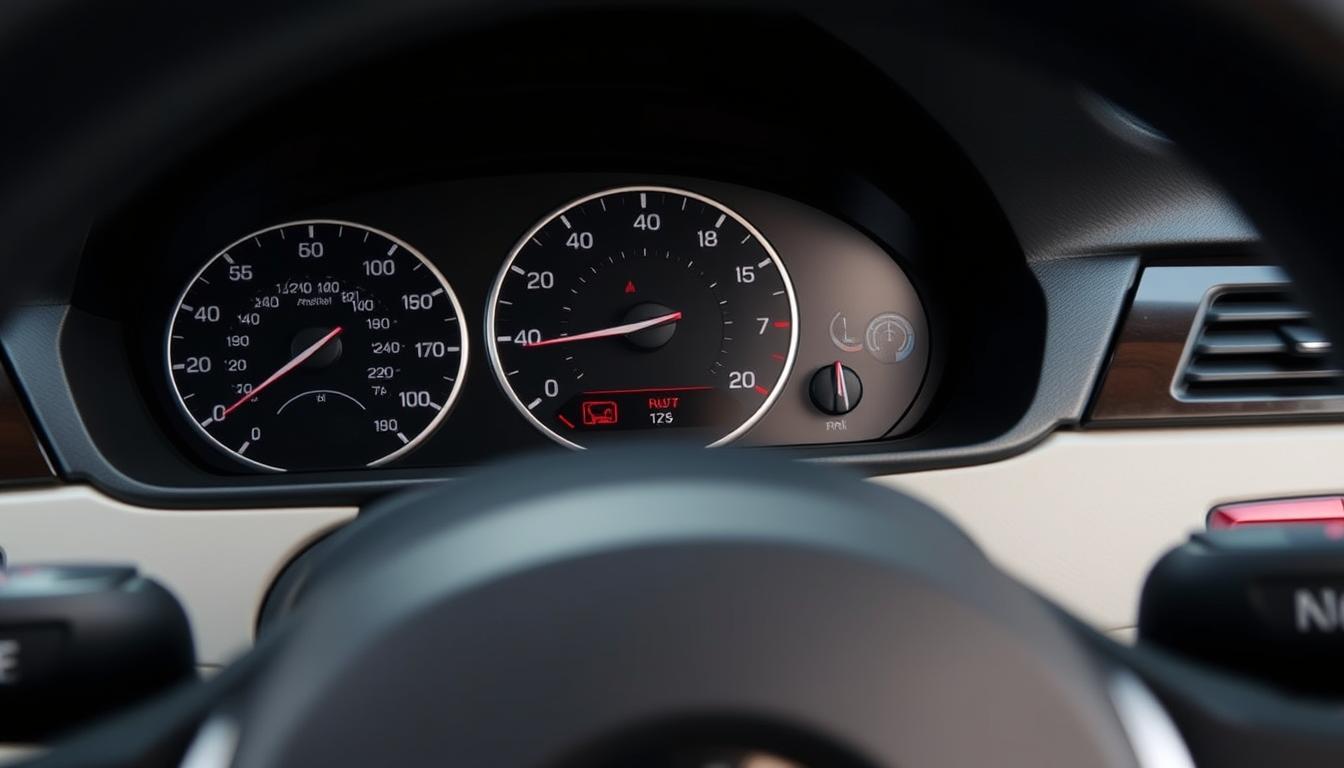
Surprising fact: By law, modern BMWs must include a tire-pressure monitoring system, and that little light or message can prevent a crash if you act fast.
We’ll walk you through a clear, five-step routine to reset the TPMS light using iDrive 7+ or the stalk method for older models. This short intro sets what the article covers—how to clear the warning, when a scan tool is really needed, and simple safety tips.
The correct specs for your tires live on the driver’s door-jamb. We explain why correct inflation matters for handling, braking, and tread life — and when to stop and inspect a wheel or spare.
We keep language simple and practical. Expect step-by-step screens: Home > Car icon > Vehicle Status > Tire Pressure Monitor > Perform Reset while stopped, then drive until the system shows “Reset successful.”
Key Takeaways
- We show a fast, DIY five-step reset for iDrive 7+ and older stalk-based models.
- Follow door-jamb specs to set correct inflation before any reset.
- The TPMS light signals low air, a puncture, or a sensor battery issue.
- Reset with engine running but stopped, then drive a few minutes to complete.
- Use a scan tool only for persistent faults or aging valve-mounted devices.
Before You Reset: Tire pressure, safety, and the BMW TPMS monitoring system
A quick safety step: confirm the door-jamb label and set cold tire pressure to the listed values before you touch any menus. Check each tire with a gauge and add air until numbers match — cold readings give the best accuracy for the vehicle and the driver.
The monitoring system watches for low air and gives a clear warning in the cluster and a chime if a tire loses pressure. Direct setups use valve-stem sensors with finite battery life; indirect designs use wheel speed sensors and compare wheel speed to spot a flat.
Temporary spares lack sensors and can make the system go inactive after a few minutes. Use plastic valve caps on sensor stems to avoid seizure. Yes — you can reset the TPMS yourself via the idrive or stalk controller for routine alerts. Persistent faults often mean a dying sensor or a scan-tool diagnosis is needed.
- Checklist: set cold pressure, check for leaks, fit plastic valve caps.
- Know your system type — direct or indirect — so you understand alerts.
| Item | Direct | Indirect | Notes |
|---|---|---|---|
| How it detects low air | Valve-stem sensors report PSI | Wheel speed differences trigger FTM | Direct shows exact wheel; indirect infers a problem |
| Battery/service life | 6–10 years | NA (uses ABS sensors) | Replace valve-mounted units when alerts persist |
| Spare wheel behavior | Spare usually has no sensor | System may deactivate | Return to normal wheel set to restore monitoring |
Five-step TPMS reset on modern 3 Series with iDrive 7+
How to reset the light fast: we walk through a five-step iDrive procedure that gives the system a clean baseline and clears the warning.
Prepare first. Set all tires to the values on the driver door-jamb. Then start the engine and keep the car stopped so the system accepts a stable reading.
- Use iDrive: from Home select the car icon, then go to Vehicle Status and open Tire Pressure Monitor using the controller.
- Select Perform Reset: tap the reset button while the vehicle is stationary. The button only activates when the car is not moving.
- Begin driving: drive at normal speed for a few minutes until the display shows “Reset successful.”
- If the light stays on: recheck all tires for correct values and leaks, then repeat the reset after corrections.
“Set the exact door-jamb values first — one outlier can stop the calibration.”
| Step | Action | Expected result |
|---|---|---|
| 1 — Prepare | Set pressures, start engine, stay stopped | System ready to accept baseline |
| 2 — Navigate | Home > Car icon > Vehicle Status > Tire Pressure Monitor | Reset option visible |
| 3 — Perform Reset | Select Perform Reset with controller or touchscreen | Initialization begins |
| 4 — Drive | Drive normally for minutes | Display shows “Reset successful” |
| 5 — Troubleshoot | Recheck values, inspect for leaks, repeat | Light clears or scan-tool needed |
Pro tip: when you use iDrive, save wheel selections for different sets (summer/winter). That helps the system expect the correct sizes and speeds and improves accuracy.
Alternative reset methods by 3 Series model years and interfaces
Different 3 Series years use a few distinct menus and stalk commands. Pick the method that matches your dash and follow the prompts. Start the engine, stay parked, and trigger the menu before you drive.
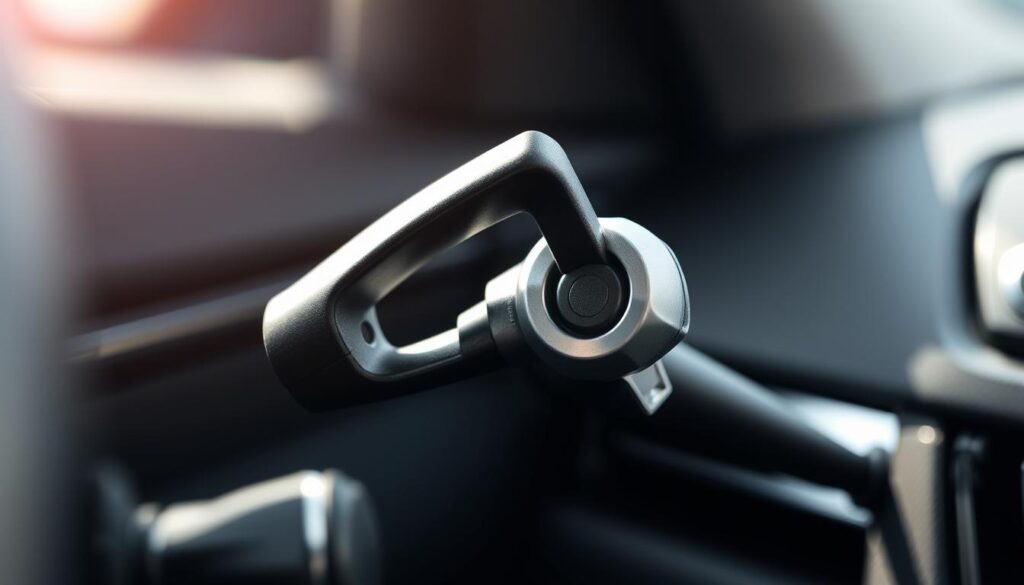
Turn signal stalk method
For older cluster menus, use the turn signal stalk to find the TPMS option. Use the rocker to scroll to TPMS RESET.
- Press the BC button on the end stalk once to select.
- Press and hold the button end for about five seconds until a check mark appears.
- Begin driving to let the system relearn each wheel — usually a few minutes.
Earlier iDrive path
On early iDrive models use Menu > Vehicle Info > Vehicle Status > Reset TPM with the controller. Confirm, then drive to finish initialization.
Indirect systems and FTM/INIT
Indirect setups rely on wheel speed sensors rather than direct stem readings. Select FTM/INIT or Set Tire Pressure to initialize a reference.
Expect around 15 minutes of driving for these systems to learn normal wheel speed patterns.
- Do not run a reset with a compact spare or chains fitted — the system may not calibrate.
- If your models support both interfaces, choose the one you prefer; driving completes the same process.
- Keep all tires at spec before starting — incorrect values lengthen the minutes needed to finish.
Resetting tire pressure sensor on BMW 3 series without a scan tool
You don’t need special gear to clear a routine TPMS fault; the car’s menus do the heavy lifting.
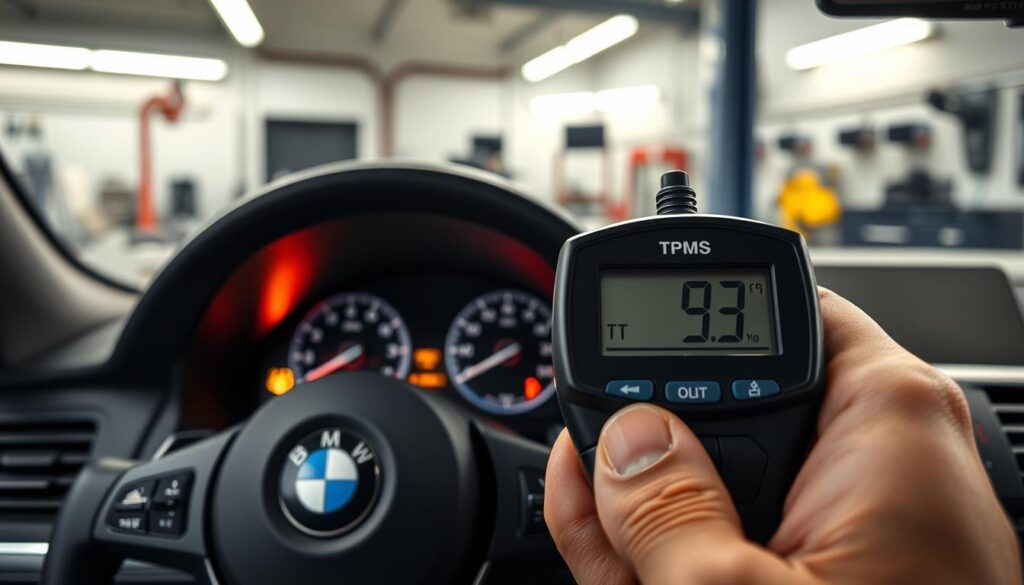
Good news — most tpms resets are built into the vehicle. Use the controller in iDrive or the turn-signal stalk, start the engine, and stay parked to access the reset prompt.
Set correct tire pressure first. Then select the reset option and drive a few minutes to let the system learn the new baseline.
When you need a scan tool
If the tpms light returns immediately, that usually signals a real problem — a slow leak or a failing sensor. Persistent faults often leave stored error codes. That’s when a scan tool or dealer software is required to read and clear codes.
- DIY tip: check valve stems and caps. Corrosion or metal caps can block signals and cause repeat alerts.
- Sensor batteries typically last 6–10 years. A dead unit won’t report and must be replaced.
“If the lamp stays lit after a proper reset and drive, use a scan tool to find the underlying fault.”
Troubleshooting stubborn TPMS warnings and best practices
When the warning light refuses to go out, a few focused checks usually find the culprit fast.
Start simple. Recheck cold values overnight — drops in temperature can lower air enough to trigger a lamp. If a compact spare is fitted, the monitoring system may go inactive until the full wheel set returns.
Common pitfalls
- Cold weather can cause repeated low readings — top up cold and retry the reset.
- Mismatched wheel diameters or uneven pressure stops the system from confirming a baseline.
- A compact spare or chains will confuse the monitoring system and may keep a warning lit.
Model nuances and care
Direct models use valve-mounted devices that report each wheel. Aging batteries or damaged stems cause intermittent faults after bumps or road salt exposure.
Indirect setups use ABS speed inputs and often need longer driving — around 15 minutes — at steady speed to relearn wheel behavior.
| Issue | Direct models | Indirect models |
|---|---|---|
| Typical cause | Battery, valve damage, corrosion | Wheel size change, uneven wear |
| Time to relearn | Few minutes driving | ~15 minutes steady speed |
| When to use scan tool | Persistent faults, missing wheel IDs | Stored fault codes after long drives |
Tip: avoid metal valve caps; use plastic to protect threads and prevent seizure.
“If the lamp stays after correct inflation and a full drive, a BMW-capable scan tool will pinpoint the fault.”
Conclusion
In short, we give you a compact reference to clear a TPMS warning fast.
First, set the tires to the door‑jamb specs, start the engine while parked, then select vehicle menus with the idrive controller or signal stalk. For iDrive 7+, use Car icon > Vehicle Status > Tire Pressure Monitor > Perform Reset, then drive until the display shows success.
For older clusters, scroll to TPMS RESET and press the button end on the end stalk to confirm, then drive to finish the step. These steps let you reset most faults without a scanner.
If the tpms light stays, check for leaks, mismatched wheels, or aged sensors — targeted diagnostics may be next. Keep this article handy for swaps, rotations, or repairs.
- Specific Models : Fit for BMW 2 Series ( 2014 – 2019 ), 3 Series ( 2013 – 2019 ), 3GT Series ( 2014 – 2019 ), 4 Series (…
- Premium Material : Adopt high precision vacuum plating zinc alloy and bling out Czech rhinestones, adding style and a be…
- Great Decoration : Bling car accessories decor design fit for BMW. Add extra bling and class to car center console, as w…
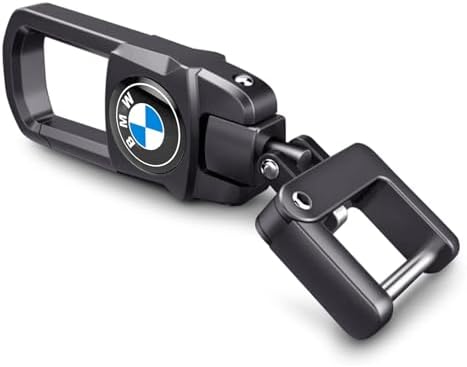
- 🚕 High-quality MATERIAL: The metal part is made of high zinc alloy material, the whole surface is electroplated and poli…
- 🚕 STYLISH APPEARANCE: The iron part of the key fob is galvanised and looks shiny, the black metal key fob matches your c…
- 🚕 EASY TO USE: Easily hang on belt loops, lanyards, purses and wallets, small handbag accessories, pendants and gadgets….
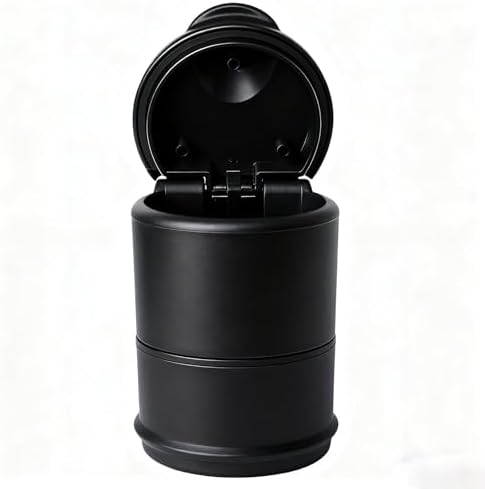
- 【Suitable model】: For BMW X1 F48 25e (2020–2022).
- 【Leakproof and Durable】Made from high quality ABS plastic, this car trash can is designed to be waterproof and leak-proo…
- 【Exquisite & Durable】 Our automotive garbage cans is made of eco-friendly ABS material, offering excellent durability an…
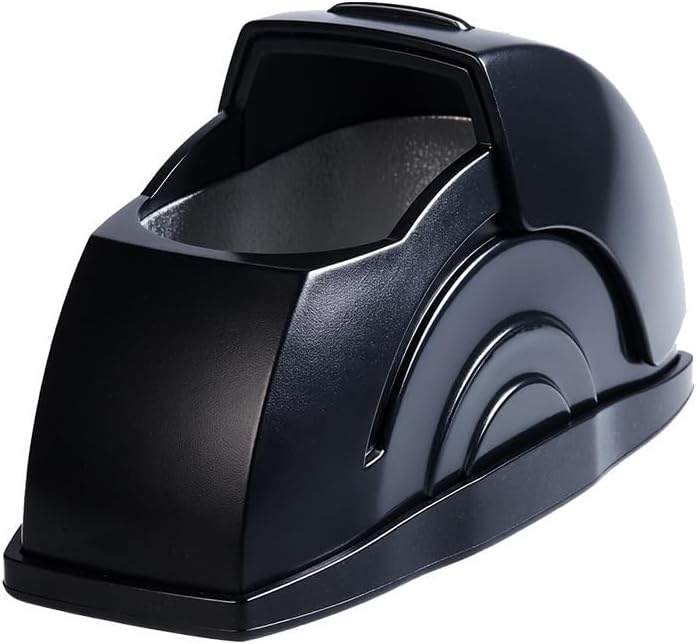
- 【WINDPROOF & ODOR-REDUCING DESIGN】Designed specifically for car use, the sealed lid of this ashtray blocks the wind from…
- 【EASY TO USE】The flip-top lid can be opened with one hand (no need to free both hands while driving), and the wide openi…
- 【SLEEK MODERN APPEARANCE】With a matte black curved shape and streamlined design, this ashtray matches most car interior …
Recent Posts
Durable Jeep Wrangler American Flag License Plate Frame for Patriotic Drivers
Have you ever felt frustrated by a plain, worn-out license plate frame on your Jeep Wrangler? It’s a small detail, but it can really affect your vehicle’s look.Every time you see that dull...
Slim Design Audi Black License Plate Frame for Sleek Car Styling
Have you ever struggled with a bulky, noisy license plate frame that just doesn’t fit right? It can be so frustrating when your car’s style feels off or the frame rattles every time you...